

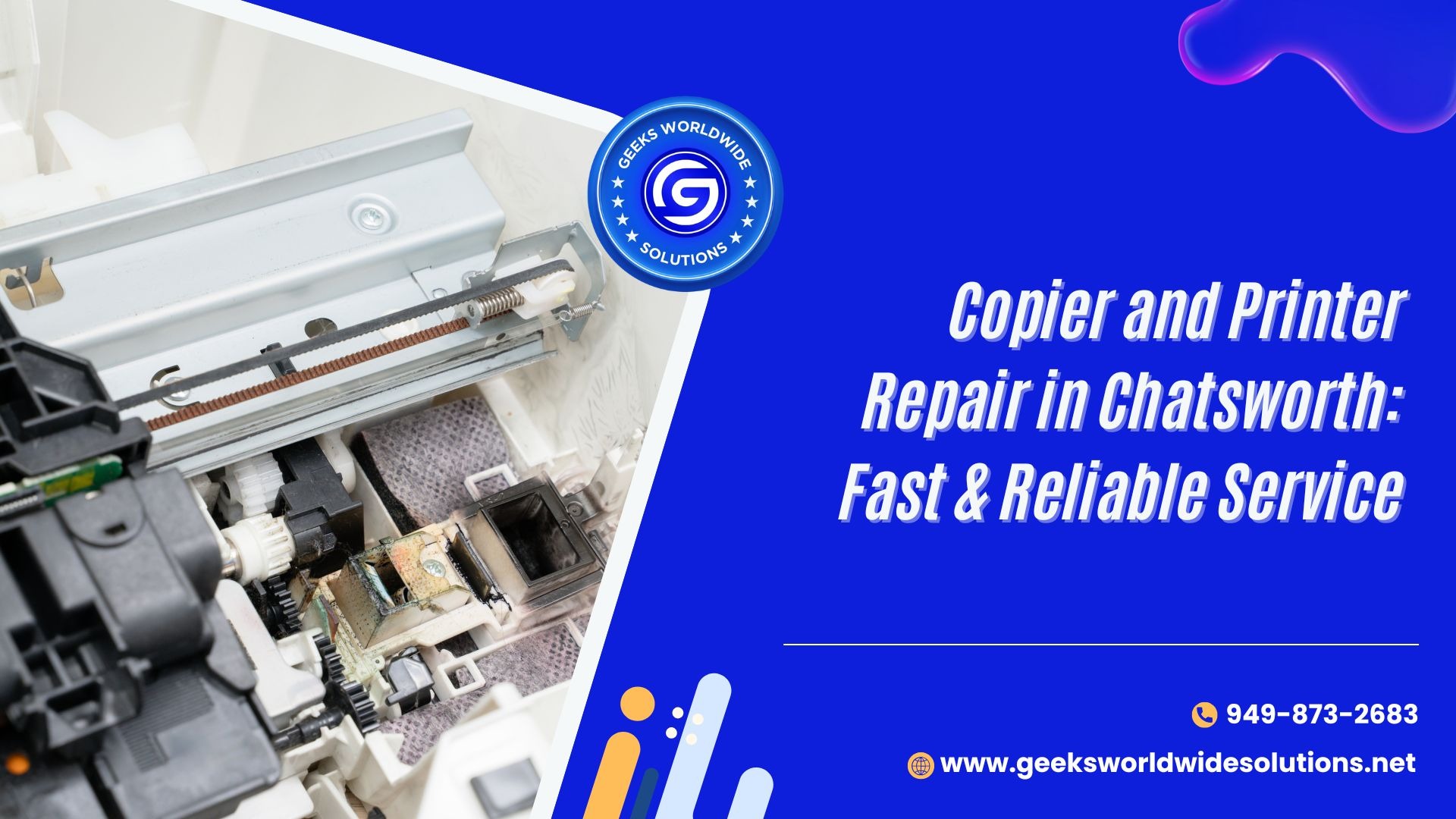
If your copier or printer in Chatsworth has stopped working, most repairs fall into one of three categories: paper feed/roller issues, toner or fuser problems, or connectivity/driver failures. A qualified local technician can usually diagnose the issue on-site within 30–60 minutes, and most single-part repairs are completed the same day for $80–$250 depending on the part and machine type. If the repair cost is under 50% of a replacement machine’s price, repairing is almost always the better financial choice.
Below is everything you need to know before booking a copier or printer repair in Chatsworth — common causes, warning signs, repair-vs-replace guidance, and what to look for in a service provider.
Why Do Copiers and Printers Break Down So Often?
Office copiers and printers process hundreds to thousands of pages a week, so wear-related failures are common. The most frequent causes are:
- Paper jams — repeated jams damage internal rollers and feed mechanisms over time.
- Cartridge issues — low-quality or expired ink/toner cartridges cause poor print quality and can leak into internal components.
- Fuser or drum failure — a worn fuser unit or drum disrupts image transfer, causing streaks or faded prints.
- Overheating — blocked vents or continuous heavy use can trigger thermal shutdowns.
- Driver or software conflicts — outdated drivers or OS updates can block communication between the device and computers.
- Worn gears and belts — mechanical wear leads to grinding noises, misfeeds, or complete jamming.
Knowing which of these applies to your machine helps you describe the problem accurately when you call for repair — it also speeds up diagnosis time.
What Are the Warning Signs Your Copier or Printer Needs Repair?
Most people wait until the device stops working completely, but these seven signs usually appear weeks before a full breakdown:
- Lines or streaks on printed pages
- Clicking, grinding, or unusual mechanical sounds during operation
- Paper jams that keep recurring even after clearing them
- Error messages that persist after a basic restart
- Printing speed noticeably slower than normal
- Blurred or smudged prints even after replacing cartridges
- The printer powers on but won’t respond to print commands
Catching these early typically keeps repair costs under $150, versus $300+ once a secondary part (like the fuser or motherboard) is also damaged.
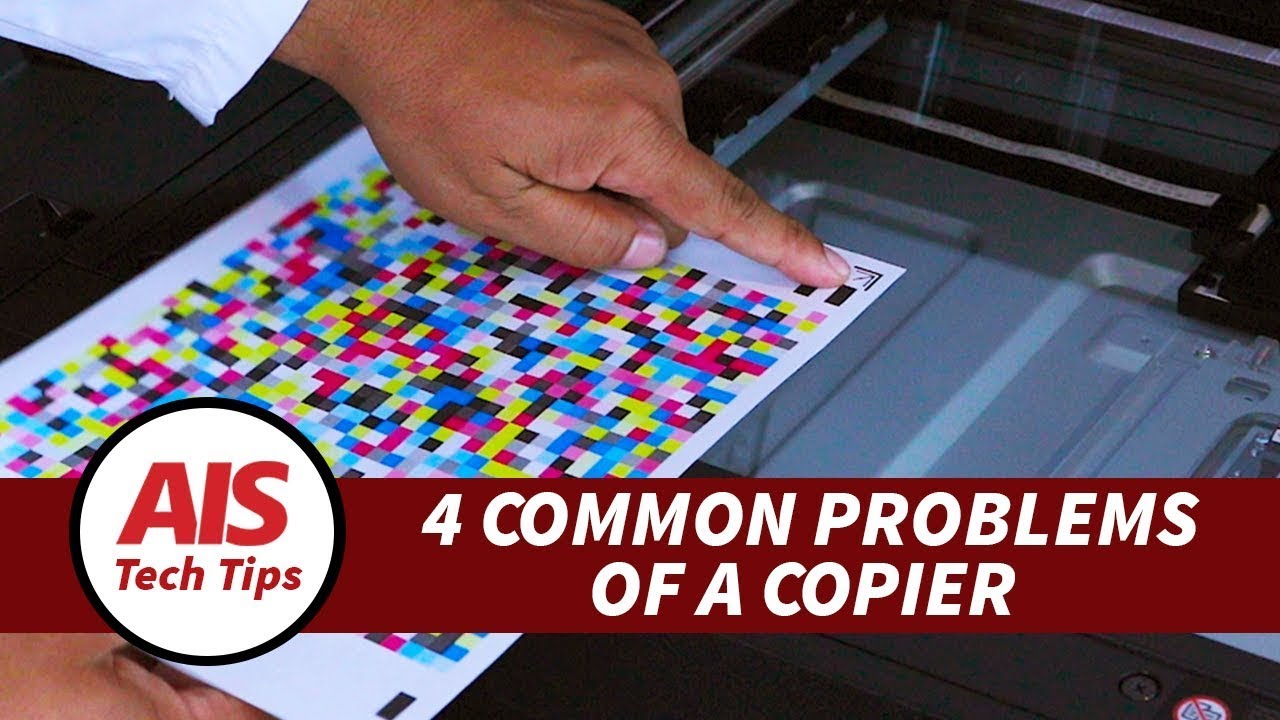
How Does a Professional Repair Service Diagnose the Problem?
A skilled technician follows a specific diagnostic sequence rather than guessing:
- Run a test print/scan cycle to reproduce the reported issue.
- Isolate the component — for example, streaked prints could come from a dirty drum, a near-empty cartridge, or a failing fuser, and each requires a different fix.
- Quote the repair cost before any part is replaced or work begins.
- Replace only the confirmed faulty part, not every component that could theoretically cause the symptom.
- Run a post-repair test cycle to confirm the issue is resolved before returning the machine.
This sequence matters because several printer problems share identical symptoms but have different root causes — replacing the wrong part wastes money without fixing anything.
Should You Repair or Replace Your Copier or Printer?
Use this quick rule of thumb:
| Situation | Recommended action |
|---|---|
| Machine is under 5 years old, single issue | Repair |
| Repair cost is under 50% of replacement cost | Repair |
| Machine is 10+ years old with frequent breakdowns | Replace |
| Repair cost exceeds 50% of a new unit | Replace |
| Multiple failures within 6 months | Replace |
A trustworthy repair provider in Chatsworth will tell you upfront if replacement makes more financial sense, rather than pushing repeated repairs on an aging machine.
What Should You Look for in a Copier and Printer Repair Service in Chatsworth?
Check for these five things before booking:
- Multi-brand experience — HP, Canon, Epson, Ricoh, Xerox, and Kyocera all have different internal designs.
- Certified technicians — trained in both hardware and driver/software troubleshooting.
- Same-day or next-day turnaround for common issues like jams, cartridge errors, or connectivity failures.
- Upfront, itemized pricing with no hidden diagnostic or travel fees.
- Warranty on both labor and parts — 30-90 days is standard for most local repair shops.
On-site repair (technician comes to your office) is worth prioritizing if your business can’t afford downtime shipping the machine out.
Q: How much does printer or copier repair cost in Chatsworth? A: Most single-part repairs (rollers, cartridges, minor fuser work) run $80–$250. Complex repairs involving the motherboard or drum assembly can run $250–$450.
Q: How long does a typical repair take? A: On-site diagnosis takes 30–60 minutes. Most repairs are completed same-day if the part is in stock; specialty parts may take 1–3 business days to arrive.
Q: Is it worth repairing a copier that’s over 10 years old? A: Usually not if it has broken down more than twice in the past 6 months, or if the repair cost exceeds half the price of a comparable new machine.
Q: Can a printer be fixed if it won’t respond to print commands at all? A: Yes, in most cases — this is typically a driver conflict, a stuck print queue, or a failed connectivity module, all of which are repairable without replacing the unit.
Q: Do repair services work on all printer brands? A: Reputable multi-brand shops service HP, Canon, Epson, Ricoh, Xerox, and Kyocera devices. Confirm brand experience before booking if you have a less common model.
Q: Should I try to fix streaks or jams myself first? A: Basic fixes (reseating a cartridge, clearing a visible jam, restarting the device) are safe to try. If the issue returns within a day, stop troubleshooting yourself — repeated DIY attempts on a mechanical fault often cause more damage.

One Response