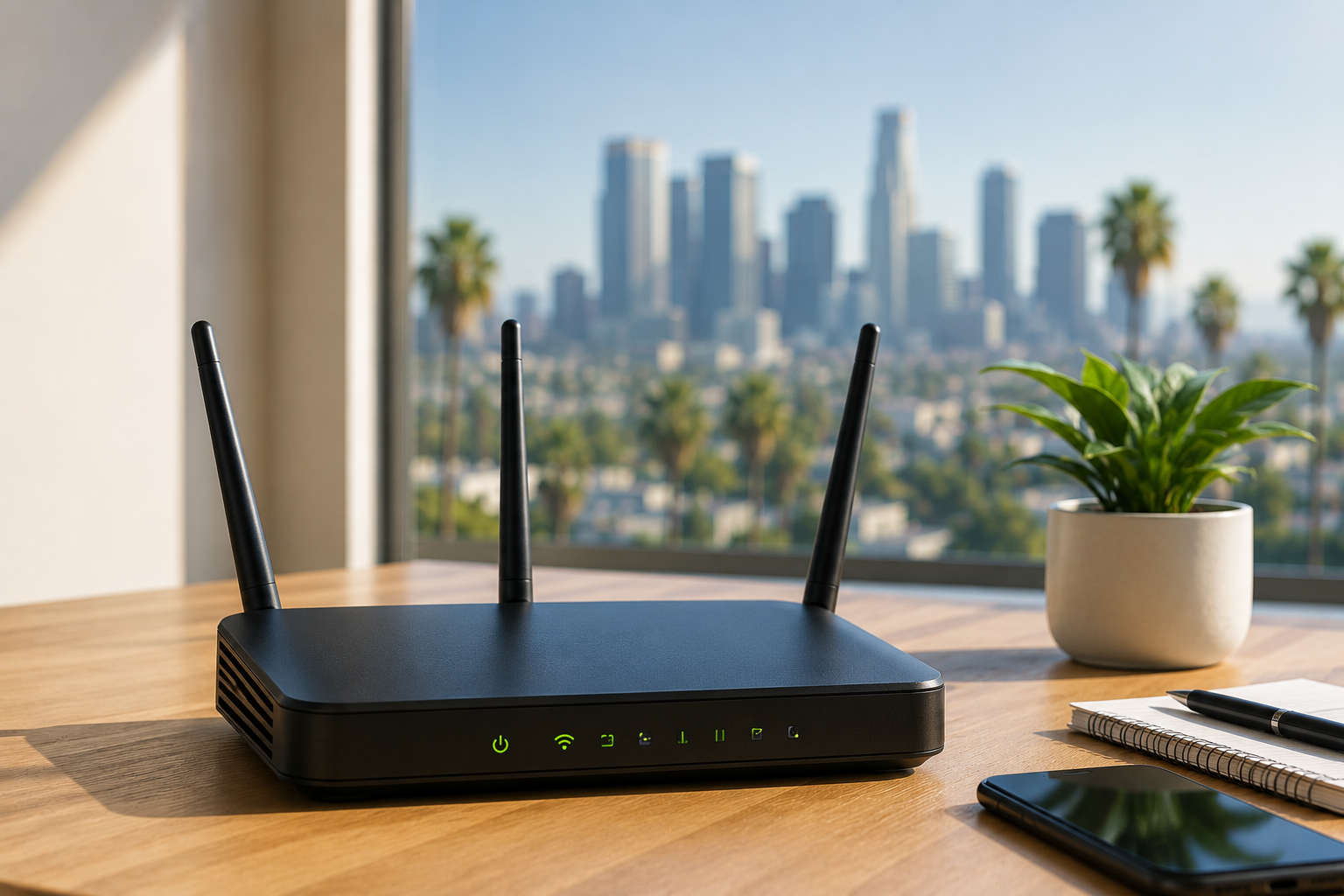
If you’ve ever sat on hold with your internet provider while your video call freezes for the third time, you already know why router setup matters more than people give it credit for. In Los Angeles, this problem shows up constantly — and not because people don’t know how to plug in a router. It’s because LA homes and offices come with challenges that a generic setup guide doesn’t account for.
Thick stucco walls, buildings packed close together in neighborhoods like Koreatown or Silver Lake, dozens of overlapping WiFi signals in apartment complexes, and older buildings with wiring that hasn’t been touched since the 90s. All of that changes how a router should actually be configured. A plug-and-play setup might get you online, but it rarely gets you the coverage, speed, or stability that a home or business actually needs.
Why Does Router Setup in Los Angeles Feel Harder Than It Should Be?
Most people assume a router is a router — take it out of the box, connect it, and you’re done. In reality, the environment around the router changes everything about how well it performs.
Here’s what we run into constantly on service calls across LA:
- Building density interference – In neighborhoods with stacked apartments or converted duplexes, your neighbor’s router, your smart TV, your cordless phone, and three other WiFi networks are all fighting for the same 2.4GHz channel. Without proper channel selection, everything slows down.
- Older construction materials – A lot of homes in areas like Los Feliz or parts of Downtown have plaster and lath walls or thick concrete in commercial buildings. These materials absorb the WiFi signal far more than modern drywall.
- Multi-story layouts – Split-level homes in the hills or two-story properties in the Valley- often end up with a router stuck in one corner, leaving half the house with barely a signal.
- ISP-provided equipment limitations – The router your internet provider hands you is usually built for basic use, not for homes with 15+ connected devices, smart locks, security cameras, and multiple people working remotely.
None of these are exotic problems. They’re just specific to how LA is built, and they’re exactly why a proper setup — not just a plug-in — makes such a noticeable difference.
How Do You Know If Your Router Setup Actually Needs Fixing?
This is a question we get asked a lot, and the answer is usually simpler than people expect. If you’re dealing with any of these regularly, it’s a setup issue, not just “bad internet”:
- WiFi that works fine in the living room but disappears entirely in the bedroom or garage
- Devices that connect but constantly drop and reconnect
- Smart home devices (locks, cameras, thermostats) that randomly go offline
- Slow speeds despite paying for a high-speed plan
- A router that needs to be restarted every few days to keep working
A lot of homeowners assume this means they need to upgrade their internet plan. In most cases, that’s not it at all. We’ve walked into homes paying for gigabit speeds, getting 40 Mbps in the bedroom simply because the router was placed in a cabinet, behind a TV, with two walls in between.
What Does a Proper Router Setup Actually Involve?
This is where the real difference shows up between a quick DIY job and a setup done with actual technical care. A proper router configuration isn’t just about getting a green light on the device — it covers several layers that most people never think to check.
Placement and Signal Mapping
The physical location of the router in a home is extremely important. Central location, elevated position, and placement away from appliances and barriers all have an effect that is much more significant than most premium router features combined. This is especially true for larger homes and offices. When dealing with larger spaces, this usually means dead zones must be identified first, and then the placement of mesh points or extenders is planned around the identified dead zones, rather than being placed randomly.
Channel and Frequency Configuration
Most routers come with an auto-channel selection feature, and while that seems convenient, it actually gives poor performance in crowded areas. Manually setting the 2.4GHz and 5GHz bands to channels that are less congested, and keeping the bands separated with different SSIDs, gives devices a clearer channel to connect and won’t be fighting with 10 other networks to connect.
Security Configuration
This is often overlooked, but it shouldn’t be. Default passwords on routers, open guest networks, WEP or old WPA encryption, and no encryption are still common in homes we service. An appropriate setup includes:
- Changing default admin credentials
- Enabling WPA3 or WPA2-AES encryption
- Setting up a separate guest network for visitors and smart devices
- Disabling remote management access unless it’s specifically needed
Firmware and Performance Settings
Routers need firmware updates just like phones and computers do, and outdated firmware is a common cause of random disconnects. Quality of service (Quality of Service) settings also matter here — especially for households where someone’s on a work call while another person is streaming and a third is gaming. Proper quality of service configuration prioritizes traffic so nobody’s connection tanks the second someone else logs into a video call.
Mesh System or Single Router: What Actually Makes Sense for LA Homes?
This is one of the most common questions we get, and the honest answer depends on the layout, not the brand name on the box.
A single, well-placed router usually works fine for:
- Apartments under 1,200 sq ft
- Single-story homes with an open layout
- Offices with a compact footprint
A mesh system tends to make more sense for:
- Multi-story homes, especially hillside properties with staggered levels
- Larger single-family homes in areas like Tarzana or Encino
- Properties with detached structures like a garage, office, or guest unit
- Offices spanning multiple rooms or floors with several connected devices
The mistake we see most often is people buying an expensive mesh system without addressing the actual root cause — poor channel configuration or bad placement — and then wondering why coverage is still spotty. Hardware alone doesn’t fix a configuration problem.
Can You Set Up a Router Yourself, or Does It Need a Professional?
Honestly, basic setup — connecting a router and getting online — most people can handle on their own. Where it gets complicated is everything beyond that: optimizing for actual usage patterns, securing the network properly, integrating smart home devices without conflicts, and troubleshooting interference in a way that doesn’t involve hours of trial and error.
We’ve been called out to plenty of homes where someone spent an entire weekend trying to fix a WiFi issue that took us twenty minutes to resolve once we could see what channel congestion and placement were actually doing. It’s not that the DIY approach is wrong — it’s that certain issues need proper testing tools and experience with how different router models behave, especially when you’re integrating extenders, smart locks, cameras, and multiple networks into one clean system.
What Should You Look for When Getting Router Setup Help in Los Angeles?
If you’re deciding whether to bring in help for your setup, here’s what actually matters:
- Experience with your specific building type — apartment, single-family home, or office- since each comes with different interference and layout challenges.
- Security-first approach — not just getting you online, but making sure the network is properly locked down.
- Willingness to test, not guess — proper setup involves actually testing signal strength in different rooms, not eyeballing it.
- Support after setup — networks change as you add devices, so ongoing support matters more than a one-time fix
At Geeks Worldwide Solutions, we’ve spent years working directly with homes and businesses across Los Angeles, handling everything from basic router configuration to full mesh network installs for larger properties. We look at the actual layout, test the signal in real conditions, lock down security properly, and make sure every device in the home or office connects the way it’s supposed to — not just some of the time, but reliably.
Final Thoughts
Router setup in Los Angeles isn’t complicated because the technology is difficult. It’s complicated because the city’s mix of building types, density, and older construction creates real-world interference that a generic setup doesn’t account for. The good news is that most WiFi problems people live with for months are fixable with the right placement, the right configuration, and a bit of technical know-how.
If your WiFi has been inconsistent, slow in certain rooms, or just generally unreliable, it’s usually not your internet plan that’s the problem — it’s the setup. And that’s a fixable thing.
Need help getting your router set up right the first time? Reach out to Geeks Worldwide Solutions at 949-873-2683 for router and network setup support across Los Angeles.