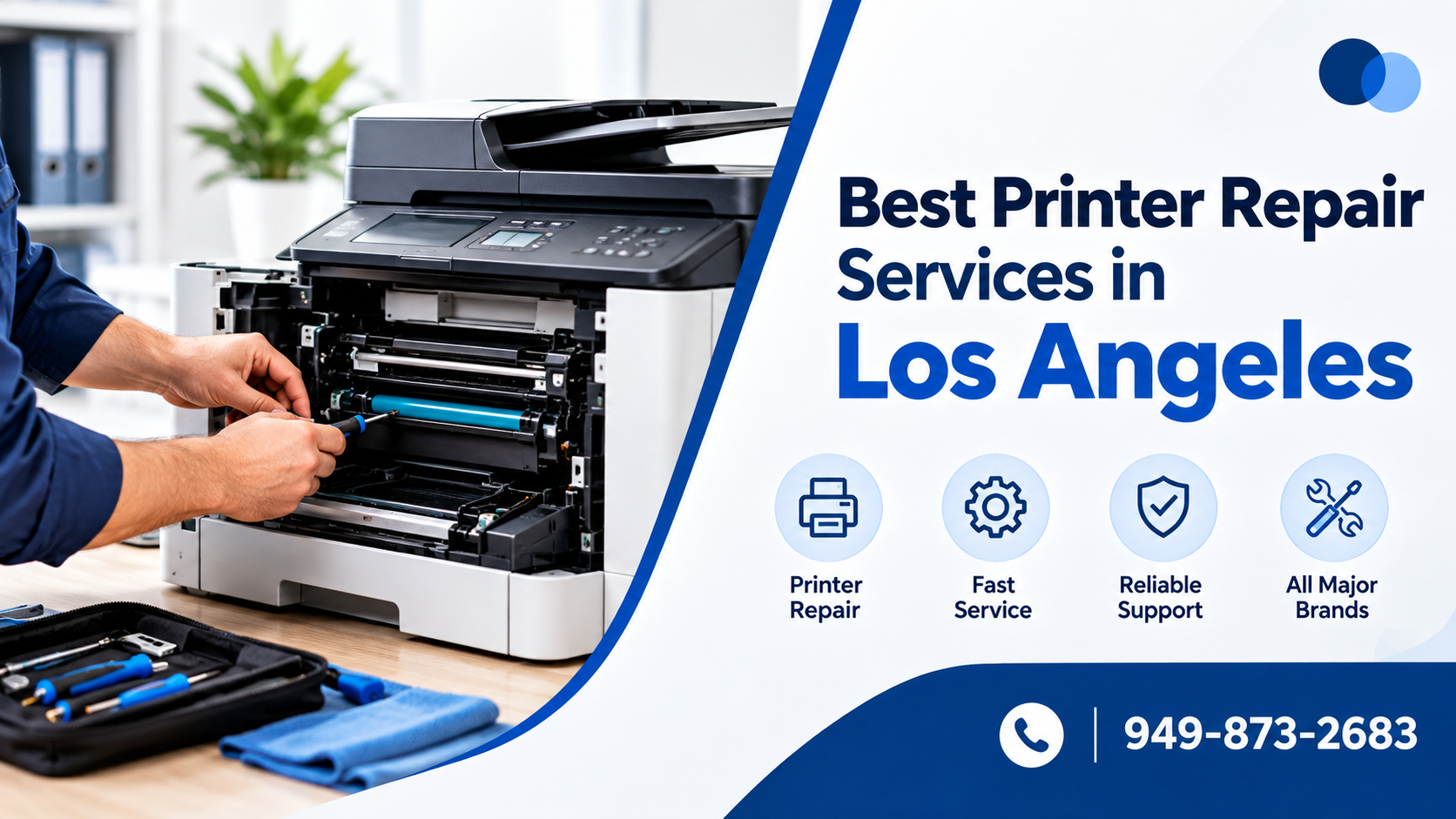
If your printer in Los Angeles is jamming, offline, printing faded pages, or showing error codes, the fastest fix is choosing a repair service that matches your printer type: DataPrint Solutions and House of Business Machines for large office copiers, SoCal Image Techs for barcode/label/industrial printers, and Geeks Worldwide Solutions if the problem is really Wi-Fi or network related. Below are the top 10 options, ranked by specialty, plus how to tell which kind of problem you actually have before you call anyone.
Why “my printer is broken” is often not a printer problem
About 60-70% of printer service calls turn out to be network, driver, or configuration issues rather than hardware failure — a printer that suddenly stops responding from every computer in the office is almost never a hardware fault; it’s usually a network or driver conflict. That distinction matters because it changes who you should call and how much you’ll pay.
Top 10 printer repair services in Los Angeles
1. DataPrint Solutions
Serving Los Angeles office equipment since 1988, with on-site repair for Sharp, Ricoh, Kyocera, Xerox, Canon, and HP. Handles paper jams, fuser and drum problems, and network connectivity issues. Best for: businesses running commercial copier/printer fleets.
2. Rees Electronics & Office Products
Westwood-based, specializing in HP, Canon, Panasonic, and Brother. Offers full diagnostics plus replacement parts, not just basic troubleshooting. Best for: businesses that need component-level repair, not just a reset.
3. Geeks Worldwide Solutions
Combines printer repair with broader IT and network support — useful when the “printer problem” is actually a Wi-Fi, driver, or computer-to-printer communication issue. Best for: home offices and small businesses with mixed hardware/network problems.

4. Cal Tech Copier
25+ years of experience, factory-trained technicians, same-day service, and a repair warranty. Covers printers, copiers, fax machines, and networking. Best for: offices wanting a warranty-backed, single-vendor solution.

5. House of Business Machines (HBM)
Supports 11 brands — Brother, Canon, Epson, HP, Konica Minolta, Kyocera, Lexmark, Ricoh, Sharp, Toshiba, Xerox — with on-site, factory-certified technicians. Best for: offices running multiple printer brands.

6. HelloTech
Same-day appointments (availability-dependent) for home and business printer troubleshooting. Best for: households or small offices that want to book a technician online rather than visit a shop.

7. Printer Repair Group
On-site repair for commercial laser printers, multifunction copiers, and wide-format plotters — equipment too large to bring into a shop. Best for: offices with high-volume or oversized printing equipment.
8. Orange County Copiers & Printers
Despite the name, it also services LA. Factory-trained technicians for Canon, Ricoh, Xerox, Lexmark, HP, Brother, and more. Best for: businesses running both printers and copiers under one service contract.
9. SoCal Image Techs
Specializes in Zebra, barcode, label, and thermal printers — equipment general repair shops often don’t handle. Best for: warehouses, retail, and logistics businesses using specialized printing hardware.
10. Marathon Services
Offers ongoing service plans and preventive maintenance across Southern California, not just break-fix repair. Best for: companies that want to avoid unplanned downtime rather than call only when something breaks.
Repair vs. replace: how to decide
Repair usually makes more sense when:
- The printer is under 3-4 years old.
- Only one component has failed (fuser, drum, roller).
- It’s a business-critical model already configured on your network.
- The repair cost is under roughly 50% of a replacement’s price.
Replacement makes more sense when the printer is older, needs repeated repairs, or parts are hard to source — a technician should explain both options before recommending a new machine.
How to prevent frequent printer repairs
- Keep the printer in a clean, dry, dust-free location.
- Use the correct paper type and size; don’t overload the tray.
- Replace toner or ink before it runs completely dry.
- Keep drivers and firmware updated.
- Never force jammed paper out — this damages rollers.
- Schedule professional maintenance for high-volume office printers.
Q: Why does my printer keep going offline? A: Usually a power-saving setting turning off the Wi-Fi radio, or the printer’s IP address changing after a router reset. Disable Wi-Fi sleep mode and set a static IP to fix it.
Q: How much does printer repair cost in Los Angeles? A: Basic diagnostics typically run $50-$100, with component repairs (fuser, drum, roller) adding $100-$300 depending on the printer model.
Q: Do these companies offer same-day repairs? A: Cal Tech Copier and HelloTech both advertise same-day service, subject to technician availability in your area.
Q: Is it worth repairing a printer over 5 years old? A: Usually not if the repair cost exceeds half the price of a comparable new printer, or if replacement parts are becoming hard to find.
Q: Can a network issue really look like a printer failure? A: Yes — an incorrect IP address, outdated driver, or router change can make a fully functional printer appear “broken” to every computer trying to print to it.
Q: Which service should I call for a barcode or label printer? A: SoCal Image Techs, since they specialize in Zebra, thermal, and industrial label printers that general repair shops often don’t stock parts for.